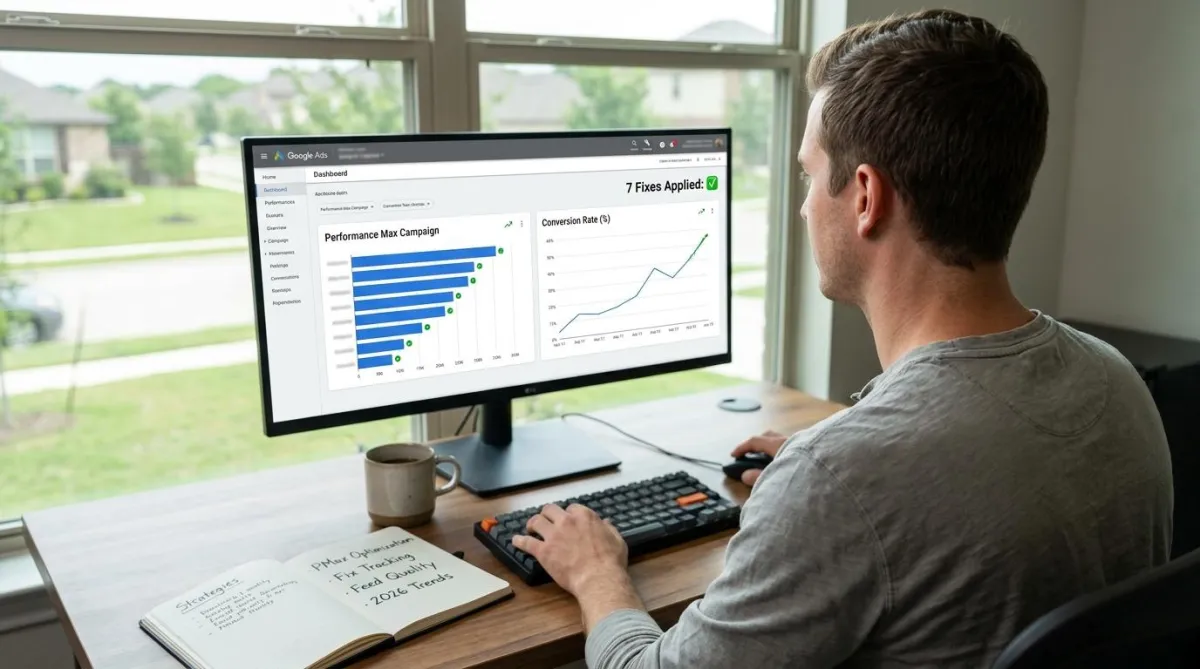
Performance Max Not Converting? 7 Fixes That Work in 2026
If your Performance Max campaign is spending money with nothing to show for it, you are not alone. Many advertisers say PMax is hard to get right, even though it can perform very well. The problem is usually not the algorithm. It is what you are feeding it.
This Performance Max troubleshooting guide covers the seven fixes that consistently turn around a PMax not converting account in 2026. Each one is built around the tools Google has rolled out this year, and together they form the core of any serious Performance Max optimization strategy for accounts where Performance Max not converting is the core problem.
1. Fix Your Conversion Tracking First
Performance Max conversion tracking is the single most important foundation in the entire campaign. PMax only optimizes for what you tell it counts as a conversion, and broken Performance Max conversion tracking is the fastest way to guarantee a PMax not converting result, regardless of how well everything else is built.
If your tracking counts things like form opens, scroll depth, or button clicks as "conversions," the system chases those instead of real sales or leads. Set one main, value-based conversion action, usually a Purchase with real revenue attached, and remove anything that is not a true outcome. A clean PMax conversion action setup on a messy campaign beats perfect settings on broken tracking every time.
2. Check Your Product Feed
If you sell products, Google Ads product feed optimization is often the real issue, not your campaign settings. PMax product feed quality directly determines what the algorithm has to work with, and a weak feed quietly destroys performance before the campaign ever gets a chance.
Missing size or color details, thin product descriptions, missing GTIN or MPN codes, and old prices or out-of-stock items left live all quietly hurt performance. Start with your best-selling products first. Clean up the titles and descriptions - product feed title optimization means matching how people actually search, not how your internal catalog labels products.
3. Exclude Your Brand to See Real Results
PMax brand exclusions are one of the most underused fixes in Performance Max optimization, and one of the most impactful. PMax often gets credit for sales that would have happened anyway through branded search, someone typing your company name directly. This can make your reported ROAS look better than it really is.
Use PMax brand exclusions, a separate setting from negative keywords, to block your own brand name from PMax. Then compare that number. That is your honest, incremental ROAS from Performance Max. That is the number worth optimizing toward.
4. Use the 10,000-Keyword Negative List
For years, PMax gave advertisers almost no way to block bad search terms. That changed: the PMax negative keyword limit is now 10,000 entries at the campaign level, and the Performance Max search terms report finally gives visibility into what is actually triggering your spend.
One important distinction on PMax negative keyword scope: this negative keyword list only affects the Search and Shopping side of PMax. It does not block Display, YouTube, or Discovery placements - that needs a separate fix covered in the next section. Check the Performance Max search terms report weekly and build the list over time based on real query data, not guesses.
5. Clean Up Where Your Ads Show
PMax placement exclusions at the account level let you block low-quality Display and YouTube spots, junk apps, or ad-stuffed websites across your whole account at once. This is the fix for the Display and YouTube inventory that the negative keyword list from Step 4 does not cover. Performance Max Display exclusions are one of the most effective ways to stop wasted spend on inventory that was never going to convert.
It is also worth checking Search Partner Network Performance Max reporting, live since February 2026, which finally shows which partner sites your ads are appearing on. Google also removed "Parked Domains" from the network in February 2026, a common source of wasted spend in the past.
6. Group Your Assets by Intent, Not by Size
One giant asset group that covers everything tends to perform at an average level. A smart PMax asset group structure built around Performance Max asset group segmentation by product category or audience intent consistently outperforms a single catch-all group.
Build separate asset groups around product categories or audience intent. Video also got a boost this year, the PMax video asset limit in 2026 went from 5 videos per asset group up to 15, giving PMax significantly more to work with on YouTube placements.
7. Test Your Creative Instead of Guessing
Performance Max A/B testing for asset sets is now built into the platform, splitting traffic between a control version and a new version to see what actually performs better. This removes the guesswork from Performance Max optimization at the creative level and gives you real data to scale from.
Pair creative testing with PMax first-party audience targeting using your own customer lists, and the newer "high value new customer" bidding mode through PMax high value customer bidding, so the system is not just chasing cheap, low-value conversions because they are easy to find.
"PMax rewards precision, not patience," says Waqar Ahmed, founder of Tectanic. "Most accounts that turn around didn't do anything exotic. They fixed tracking, cleaned the feed, and used the exclusion tools Google finally gave them."
Bottom Line
Performance Max not converting is almost never an algorithm problem - it is an inputs problem. The Performance Max troubleshooting process always starts in the same place: tracking, feed, and exclusions. This year alone, Google added negative keywords, placement visibility, brand exclusions, and creative testing to the platform. Real Performance Max optimization in 2026 means using every one of these tools, not just one or two. Most "PMax does not work" stories trace back to broken tracking or a messy product feed, not the algorithm itself.
FAQs
Ready to Fix Your Performance Max Campaigns With People Who Know the Platform?
At Tectanic, we turn around Performance Max accounts that aren't converting every month, and the fixes are almost always the same: Performance Max conversion tracking rebuilt around real revenue, Google Ads product feed optimization starting with the top catalog, PMax brand exclusions applied to reveal true incremental performance, and a systematic Performance Max troubleshooting process that works through every layer of the campaign. Whether you need full Performance Max optimization across an existing account or a fresh build with the right structure from day one, we handle it.
Get in touch with Tectanic, a trusted Google Ads agency in Delaware managing Performance Max campaigns for ecommerce and lead generation brands across the US, and let us fix what the algorithm is not telling you.