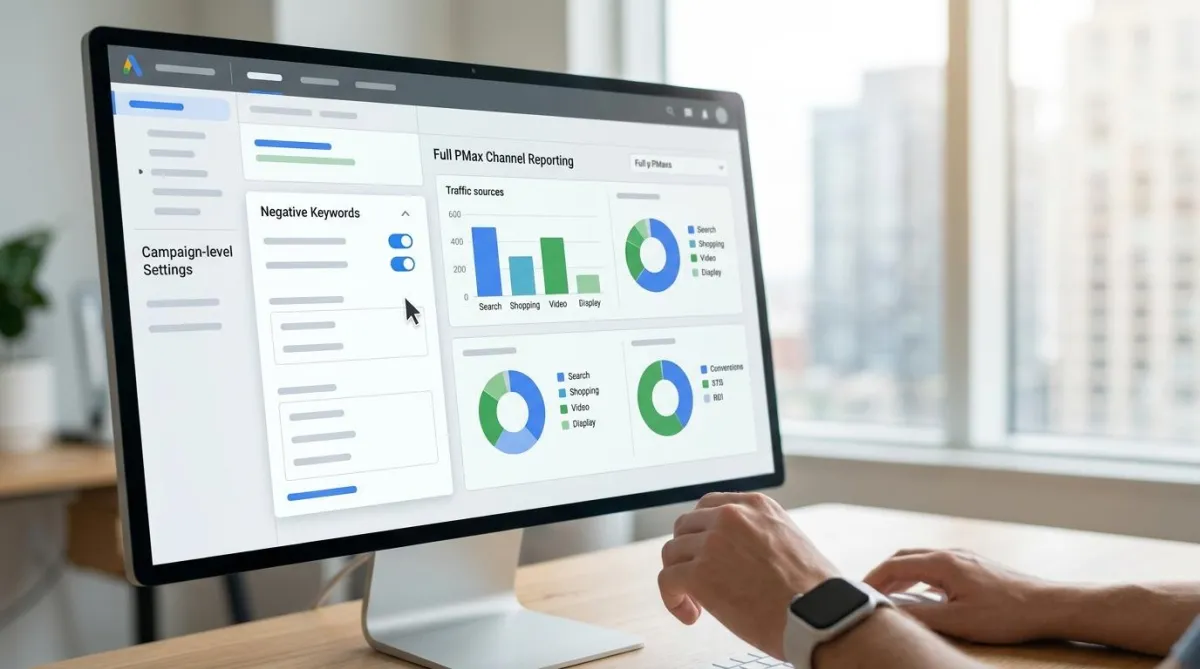
Performance Max Updates 2026: Negatives and Reporting
Google finally gave advertisers the controls they have been asking for since Performance Max launched. If you are still running PMax the way you did in 2024, you are leaving performance on the table.
The Performance Max updates for 2026 cover two long-awaited changes: full Performance Max negative keywords support at the campaign level, and real PMax channel reporting that finally shows where your budget is actually going. Both directly impact Google Ads Performance Max optimization, and both require action now before competitors catch up.
Feature: Full Negative Keyword Support Is Here
Performance Max negative keywords at the campaign level are the single most requested feature since PMax launched, and they are finally here. For years, Performance Max was a black box when it came to PMax campaign controls. You could see totals, but you could not stop your ads from showing up on searches that had nothing to do with your product. Account-level negatives existed, but campaign-level control was missing.
That has changed. Advertisers can now add Performance Max negative keywords directly inside a Performance Max campaign at the campaign level, up to 10,000 per campaign. Google also rolled out a PMax negative keyword list system that can be shared across multiple PMax campaigns, so you do not have to rebuild the same Performance Max keyword exclusions every time you launch something new.
How It Works
You go into your PMax campaign settings and find the negative keywords section. From there, you can either type in individual terms or upload a list. These negatives block your ads from showing on unwanted searches across both the Search and Shopping networks that PMax pulls inventory from.
Pair this with the performance max search terms report, which now gives visibility into the actual queries triggering your ads, and you get a real workflow: find the junk query, add the negative, check the impact. The performance max search terms report is the foundation of every google ads performance max optimization decision you make going forward - use it weekly, not monthly.
One caution here. A reckless PMax negative keyword strategy built on broad exclusions can block profitable searches the algorithm would otherwise have converted. The safest approach is to review actual search terms weekly, understand why a query appeared, and apply the narrowest fix rather than blanket exclusions.
The Outcome
Advertisers get cleaner traffic, less wasted spend with a real reduce wasted spend Performance Max approach, and a real say in what their ads match to, instead of blind trust in automation.
Feature: Channel-Level Reporting Finally Shows Where Your Budget Goes
The second big shift in the Performance Max updates in 2026 is transparency. PMax channel reporting used to report performance as one lump number with no PMax channel breakdown available. Now, Google shows a channel breakdown covering Search, Shopping, Display, YouTube, Discover, Gmail, and Maps, so you can see exactly where impressions, clicks, and conversions are coming from. This Performance Max budget transparency is the foundation of every smart optimization decision you can now make.
How It Works
Inside the Performance Max Insights tab, there is a "Channel performance" view showing how spend splits across networks, the core of the new PMax channel breakdown. Google Ads API v23 also now returns real channel values instead of "mixed" data, which means agencies can pull this into their own dashboards and reporting tools instead of relying only on the native UI.
There are format-level breakdowns too, showing Performance Max asset performance across video assets and product-feed ads within each channel. For ecommerce accounts, the ability to compare PMax video vs shopping performance within the same campaign is one of the most actionable new data points the platform has ever offered.
The Outcome
Advertisers can finally make informed decisions using real pmax channel reporting. If Shopping is driving 70% of conversions but Display is eating budget with nothing to show for it, that Performance Max Display vs Shopping spend split is now visible, and you can act on it by adjusting assets, budget, or exclusions instead of guessing.
What to Change Now
Here is the exact Google Ads Performance Max optimization checklist based on these updates:
Audit your search terms weekly: The new Performance Max search terms report makes irrelevant queries easy to spot. Use it every week without exception.
Build a shared negative keyword list: A centralized pmax negative keyword list shared across similar campaigns saves time and keeps exclusions consistent without rebuilding from scratch every launch.
Check your channel split: Use pmax channel reporting to verify the pmax channel breakdown inside your account. For most ecommerce accounts, Shopping and Search should carry the bulk of spend, not Display or Discover.
Feed the algorithm strong assets: Performance Max asset quality is the foundation everything else builds on. More control only helps if your creative and product data are solid to begin with.
"Performance Max rewards advertisers who stay involved. These updates finally give us the visibility and control to actually manage the campaign instead of just watching it happen," says Waqar Ahmed, founder of Tectanic.
FAQs
Ready to Manage Performance Max the Right Way in 2026?
At Tectanic, we track every Performance Max update in 2026 before it becomes common knowledge, and we build the systems to act on them immediately. Whether you need a complete Google Ads Performance Max optimization overhaul, help building a proper PMax negative keyword list and exclusion strategy, a full PMax channel reporting audit to find where your budget is leaking, or a structured review of your Performance Max search terms report to clean up wasted spend, we handle it all.
Get in touch with one of the top advertising agencies in Delaware and let us manage your Google Ads strategy with the same level of attention to Performance Max negative keywords, PMax channel breakdown analysis, and Google Ads Performance Max optimization that our own accounts get every week.